
Zoom is one of the world's most widely used platforms for online meetings.
For many conversations, that's exactly what's needed.
But trust-critical client interactions often begin long before anyone joins a call.
A prospective client may want to ask a private question, understand whether a service is suitable, discuss pricing, or simply decide whether they feel comfortable moving forward.
That's where Anvora takes a different approach.
Rather than focusing only on the meeting itself, Anvora is designed around the entire client journey—from first enquiry to booking, session access, live conversation, and ongoing follow-up.
Note: Throughout this comparison, "client conversations" refers broadly to trust-critical interactions between professionals or organisations and the people they support, advise, serve, or communicate with.
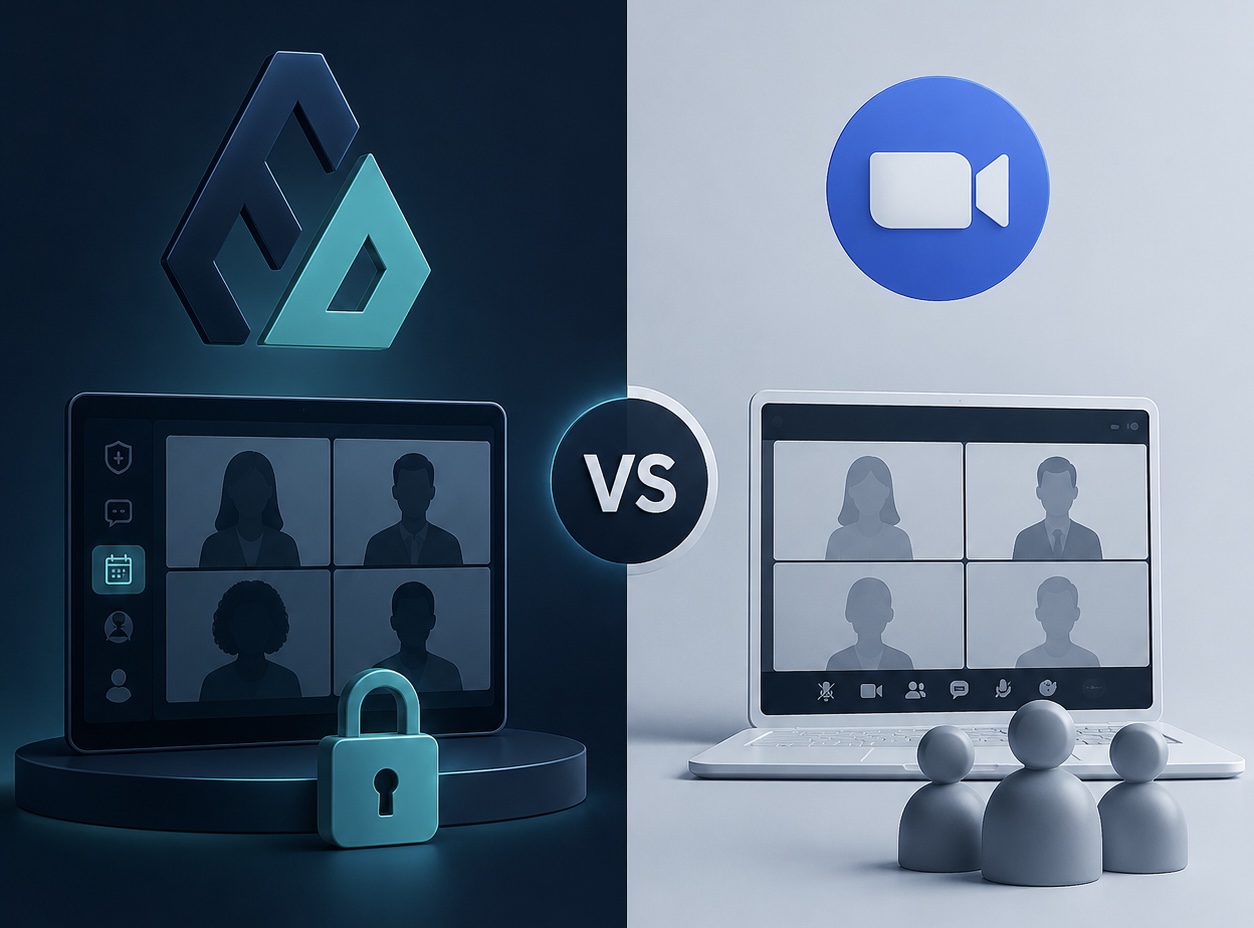
Who this comparison is for
This comparison may be useful if you are:
- a therapist or counsellor
- a coach or mentor
- an independent consultant
- an advisor
- a mediator
- a legal professional
- a journalist or researcher handling sensitive conversations
- an organisation managing confidential interactions
If your work depends on trust, privacy, or confidential communication, understanding where Zoom and Anvora differ can help you choose the right workflow.
Zoom is built for meetings
Zoom is designed primarily for virtual meetings and collaboration.
It excels at:
- Video meetings
- Voice calls
- Screen sharing
- Team collaboration
- Webinars
- Remote presentations
- Scheduled online meetings
For many organisations, Zoom is combined with separate tools for scheduling, bookings, CRM, email, or client management.
If your goal is simply to host a reliable online meeting, Zoom is an excellent choice.
Sensitive client work often begins before the meeting
Many professional relationships begin with uncertainty rather than a scheduled call.
Someone might want to ask:
- Is this service right for me?
- Can I ask a question before booking?
- What information should I share?
- Can I discuss pricing or suitability first?
- Who will see my enquiry?
- What happens after I book?
A meeting link alone does not answer those questions.
Professionals often need a structured journey that includes discovery, private enquiries, bookings, secure conversations, and follow-up.
Anvora is built around the client journey
Anvora is a privacy-first platform for trust-critical professional interactions.
Instead of treating the meeting as the entire workflow, it helps professionals manage everything around it.
This can include:
- Public profiles and service pages
- Private enquiries before booking
- Services and bookings
- Payments where applicable
- Session-based conversations
- Join Requests
- Pseudonymous participation
- Controlled identity disclosure
- Private follow-up conversations
Where live communication is needed, Anvora can also support voice, video, and screen sharing as part of the wider session workflow.
The key difference
Zoom starts with the meeting.
Anvora starts with the client interaction.
That interaction may begin with a private enquiry, continue through a booking, move into a live conversation, and remain available afterwards in a dedicated session.
For many professionals, the meeting is only one part of the overall relationship.
Practical examples
A therapist handling first contact
A prospective client may not be ready to book immediately.
They may want to understand whether the therapist works with a particular concern or whether a certain type of session is available.
With Anvora, that first conversation can begin as a private enquiry before moving to a booking and dedicated session when both sides are ready.
An executive coach working with high-profile clients
Some coaching relationships involve reputation, confidentiality, or public visibility.
Rather than immediately exchanging meeting links, the coach can provide a more structured path where the client asks questions privately before moving into ongoing sessions.
A consultant receiving confidential enquiries
Business enquiries may involve leadership issues, workplace disputes, acquisitions, or commercially sensitive information.
Instead of relying on scattered email threads or public booking links, Anvora provides a dedicated route from enquiry to session.
A journalist or researcher collecting sensitive stories
People are not always ready to reveal everything about themselves from the outset.
Whether someone is seeking support, discussing a sensitive issue, raising a concern, or sharing a personal story, they may want greater control over how they participate.
Anvora supports privacy-aware conversations where identity disclosure can be managed over time rather than assumed from the beginning.
Join Requests
Not every private session should be open to anyone with a link.
Anvora's Join Requests feature allows participants to request access before entering a session.
This gives organisers greater control over participation while keeping conversations private and intentional.
Services and bookings
Professionals can also publish services, accept bookings, and continue conversations within the same platform.
Rather than combining multiple disconnected tools, Anvora connects discovery, booking, communication, and follow-up within a single workflow.
Comparison at a glance
| Workflow | Zoom | Anvora |
|---|---|---|
| Video meetings | Primary capability | Supported as part of sessions where enabled |
| Voice calls | ✓ | ✓ |
| Screen sharing | ✓ | ✓ Where enabled |
| Public service pages | Typically external tools | Built into workflow |
| Private enquiries | Typically external tools | Built into workflow |
| Services | Typically external tools | Built into workflow |
| Bookings | Typically external scheduling tools | Built into workflow |
| Session access | Meeting permissions | Join Requests and session access workflow |
| Identity controls | Standard meeting identity | Pseudonymous participation and controlled identity disclosure |
| Ongoing conversations | Meeting/chat history | Dedicated session-based conversations |
When Zoom may be enough
Zoom may be the right choice when:
- everyone already knows each other
- the meeting is straightforward
- booking happens elsewhere
- there is no need for structured follow-up
- identity is already known and expected
For many everyday meetings, Zoom is an excellent solution.
When Anvora may be a better fit
Anvora may be a better fit when:
- people need to ask questions before booking
- the interaction involves trust or confidentiality
- you want services and bookings in one place
- participants should request access before joining
- identity disclosure should be controlled
- conversations continue beyond a single meeting
- your work depends on privacy, reputation, or sensitive information
Frequently asked questions
Can Anvora replace Zoom?
Not necessarily.
If all you need is a reliable online meeting, Zoom is often sufficient.
Anvora focuses on the broader workflow surrounding sensitive professional interactions.
Does Anvora support video calls?
Yes. Where enabled, Anvora supports voice, video, and screen sharing as part of a wider privacy-first session workflow.
Is Anvora only for therapists?
No.
Anvora is designed for professionals and organisations handling trust-critical interactions, including coaches, consultants, advisors, mediators, journalists, researchers, compliance teams, and many others.
Can clients contact me before booking?
Yes.
Anvora supports private enquiries, allowing prospective clients to ask questions before committing to a booking.
The main takeaway
Zoom is designed to help people meet online.
Anvora is designed to help professionals manage private client interactions before, during, and after those meetings.
If your work involves confidential conversations, controlled access, private enquiries, bookings, and ongoing professional relationships, Anvora provides a broader workflow built around those needs.
Get started
Ready to create a more privacy-first client experience?