
Google Forms makes it remarkably easy to create a form, share a link, and collect responses.
For everyday questionnaires, registrations, feedback, and straightforward information gathering, that simplicity can be exactly what you need.
Sensitive client intake can be different.
A prospective client might complete a form before a consultation, ask a private question before booking, provide information that needs clarification, or continue into an ongoing professional relationship.
In those situations, the form is often only the beginning.
That is the main difference between using Google Forms and Anvora Forms for sensitive client intake: Google Forms is primarily a general-purpose form builder, while Anvora is designed to connect structured information gathering with the sensitive interaction that may follow.
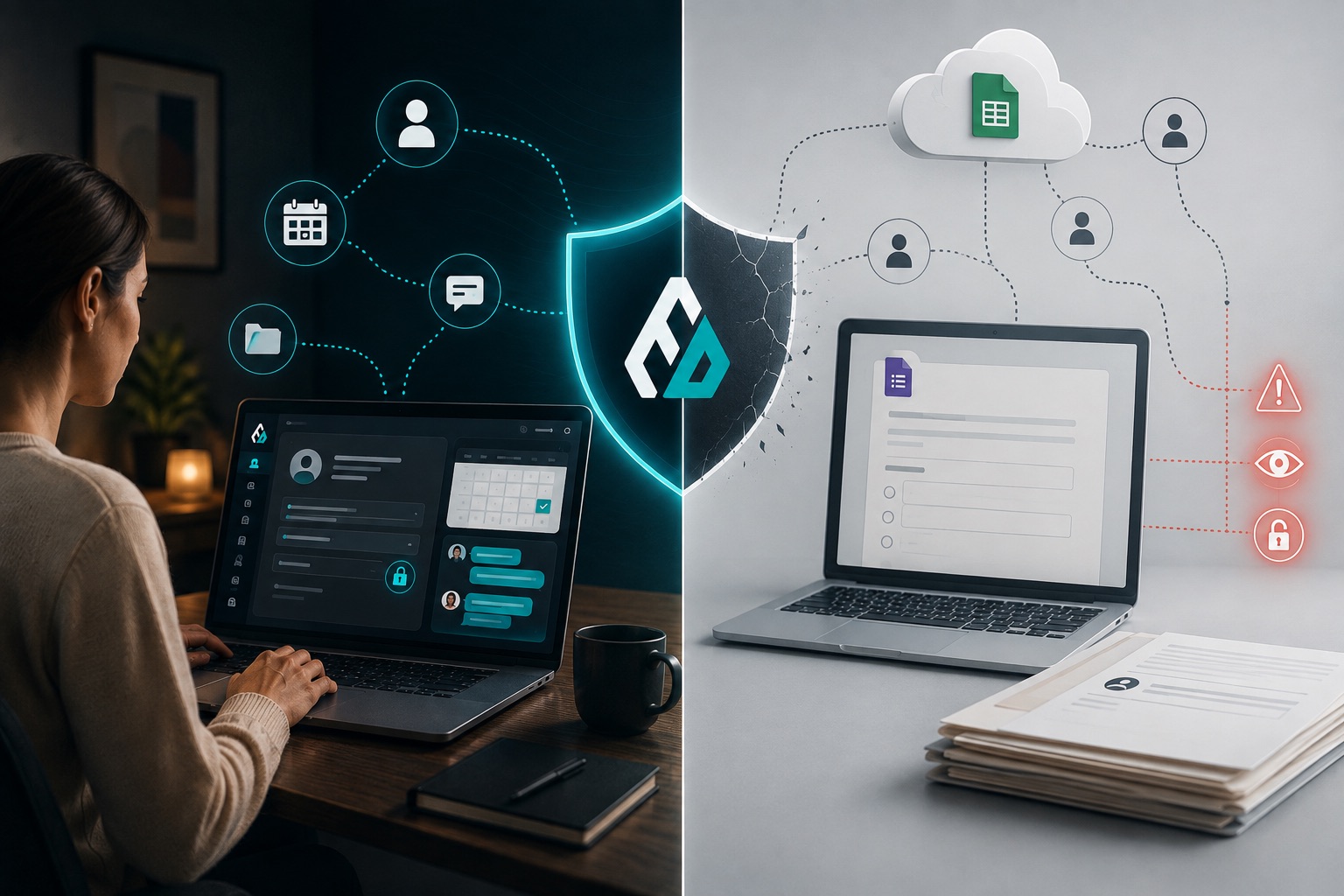
Anvora Forms vs Google Forms at a glance
| Capability | Google Forms | Anvora Forms |
|---|---|---|
| General-purpose forms | Strong fit | Supported, but not the primary focus |
| Reusable forms | Yes | Yes |
| Shareable forms | Yes | Yes |
| Sensitive professional intake | Can be configured for it | Designed around sensitive professional workflows |
| Private enquiries | Requires a separate workflow | Built into Anvora |
| Ongoing protected conversations | Requires another tool | Built into Anvora |
| Services and bookings | Requires another tool | Built into Anvora |
| Controlled identity workflows | Not the core workflow | Part of Anvora's privacy model |
| Sessions and managed participation | Requires other tools | Built into Anvora |
| Best suited to | General information collection | Sensitive intake that may continue into professional interaction |
The important distinction isn't the number of form-field types or how quickly you can build a questionnaire.
It is what needs to happen after someone presses Submit.
Where Google Forms makes sense
Not every form needs a specialised privacy workflow.
If you need to collect event registrations, run a survey, gather general feedback, create an internal questionnaire, or collect information that does not require an ongoing protected interaction, Google Forms can be a practical choice.
It is familiar, straightforward, and closely connected to the wider Google ecosystem.
Using Anvora simply because a workflow contains a form would miss the point.
The question is whether the information being collected belongs to a sensitive interaction that needs to continue after submission.
Where sensitive client intake becomes different
Consider a coach who uses an initial consultation form.
The questions might include:
What would you like help with?
What are you currently experiencing?
What would you like to change?
Have you worked with another professional before?
Is there anything important I should know before we speak?
Submitting those answers does not necessarily complete the workflow.
The professional may need clarification. The prospective client may want to ask a question before committing. Both sides may need to determine whether they are a good fit.
If they decide to proceed, there may then be a service, booking, payment, Session, further Forms, and ongoing communication.
A standalone form handles one part very well:
Collecting the answers.
But the professional still needs somewhere for everything that follows.
Anvora treats the Form as part of the interaction
Anvora Forms are designed to collect structured information without assuming that submission is the end of the relationship.
Depending on the workflow, someone might:
Complete a Form when structured information is needed.
Send a private Enquiry when they want to start a conversation.
Book a Service when they are ready to proceed.
Continue through protected Conversations or Sessions.
Complete additional Forms for preparation, reflection, or follow-up.
These aren't mandatory stages.
A Form does not have to become a Booking. An Enquiry does not have to begin with a Form. Someone requesting access to an existing Session may use a Join Request instead.
The point is that professionals can use the entry point that fits the interaction rather than forcing every client through the same funnel.
The follow-up problem
Sensitive intake frequently creates another problem: where does the conversation go next?
With a standalone form workflow, a professional may receive the response and then move to email for clarification.
If the person becomes a client, they may then move again to a scheduling platform.
Payment might happen somewhere else.
The actual interaction may happen through another messaging or video tool.
Follow-up information may arrive through another form.
Each tool can perform its individual job well, but the overall interaction becomes fragmented.
Anvora is designed to reduce those handoffs by connecting structured information with the other parts of sensitive professional work.
Identity doesn't always need to come first
Traditional intake often begins by asking for identifying information immediately.
Sometimes that is necessary.
Sometimes it isn't.
Someone considering therapy, coaching, mediation, advisory work, workplace support, or another sensitive service may initially want to understand whether the professional can help before disclosing more information than necessary.
Anvora is designed around controlled identity disclosure, allowing identity to be handled according to the interaction rather than assuming every sensitive conversation must begin with full exposure.
This does not mean every Anvora interaction should hide someone's identity. Professionals and organisations still need to collect information required for their legal, professional, safeguarding, payment, or operational responsibilities.
The principle is simpler:
Collect and reveal information when the workflow requires it, rather than simply because the technology asks for it first.
Intake can happen before and during client work
Client forms are not limited to onboarding.
A professional might use Forms for:
Initial enquiries and consultation
Collect enough structured information to understand what someone needs and whether the service may be appropriate.
Client intake
Gather relevant information when a professional relationship begins.
Session preparation
Ask clients to provide context or questions before an upcoming Session.
Reflection and follow-up
Let clients record changes, observations, questions, or insights between Sessions.
Agreements and acknowledgements
Collect structured confirmations where appropriate, without implying functionality such as electronic signatures where a dedicated signing process is required.
The same professional can therefore reuse Forms at different stages rather than treating intake as a single questionnaire at the beginning of the relationship.
What about privacy?
Both products provide security and privacy features, and professionals and organisations should assess any tool against their own requirements before collecting sensitive information.
The more useful comparison is not simply whether a platform can store a form response securely.
For sensitive professional work, consider the whole information lifecycle:
What information are you collecting?
Do you actually need it at this stage?
Who can access the response?
What happens when you need clarification?
Where does subsequent communication happen?
When does identity need to be known?
How does someone progress into a Service or Session?
Where does follow-up information go?
A secure form is important.
A secure workflow around the form can be just as important.
Which should you choose?
Choose Google Forms when you primarily need a flexible, familiar way to collect information and the response can comfortably exist as a standalone submission or within your existing Google-based workflow.
Consider Anvora Forms when the information is part of a sensitive professional interaction and you also need capabilities such as private first contact, controlled identity, protected follow-up, Services and Bookings, Conversations, or Sessions.
The two products are therefore solving overlapping but different problems.
Google Forms asks:
What information do you want to collect?
Anvora also asks:
What needs to happen between these people after that information is shared?
For sensitive client intake, that second question can matter just as much as the form itself.
Forms are only one part of Anvora
Anvora isn't intended to replace every form builder for every use case.
Forms are one entry point into a wider privacy-focused environment for sensitive professional interactions.
Professionals can use Anvora to collect structured information, receive private Enquiries, offer Services and availability, accept Bookings and payments, communicate through protected Conversations, run Sessions, manage participant access, and control how identity is handled throughout the interaction.
If your workflow ends when someone submits a questionnaire, a general-purpose form builder may be all you need.
If submission is where the sensitive interaction starts, Anvora is designed for what comes next.